Some links here are affiliate links. If you buy through them we may earn a small commission at no extra cost to you. As an Amazon Associate we earn from qualifying purchases.
The phone video mistake that ruins good shots
 By the Skint Kit crew · How we pick
Your phone video keeps flickering brighter and darker, and here is why. Your phone is hunting for focus and exposure while you film.
The fix takes two seconds. Before you press record, tap and hold on your subject until you see the lock message.
That freezes focus and exposure. Next, film at a steady frame rate, twenty-four or thirty, and keep it the same for the whole project.
Last, stop holding it at arm's length. Rest your elbows on your body or use a small tripod or gimbal.
Lock it, keep it steady, and your phone footage instantly looks calmer and more deliberate. Same phone, far fewer wobbles, and nothing extra to buy first.
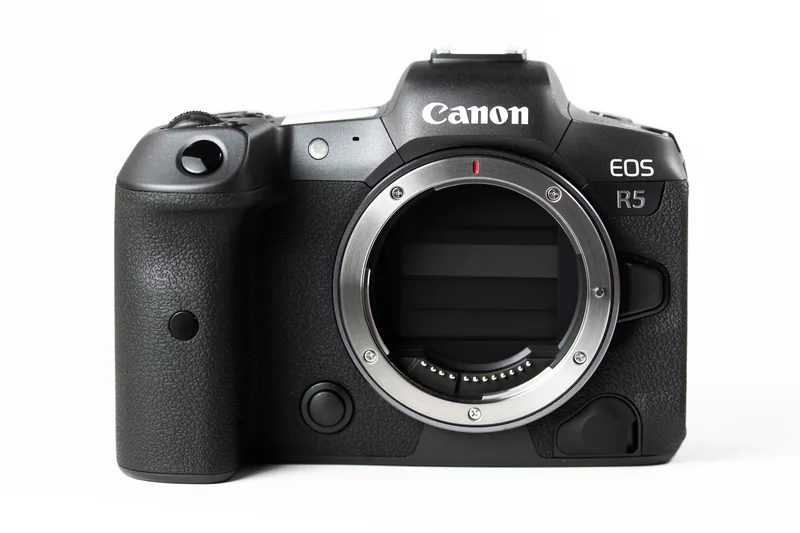
The picks 3 PICKS
FREE · NO SIGN-UP
Buying used? Grab the checklist first
12 quick checks to run before you hand over cash for a second-hand camera or lens. Print it or keep it on your phone.
Get the free used-gear checklist →Download the printable PDF (free) →▶ Subscribe: 2 budget tips a daySkint Kit Lightroom presets →Read next
 The SD card mistake that ruins your videoHere's a mistake that ruins good footage: using any old SD card for video. Cheap, slow cards…Read the guide →
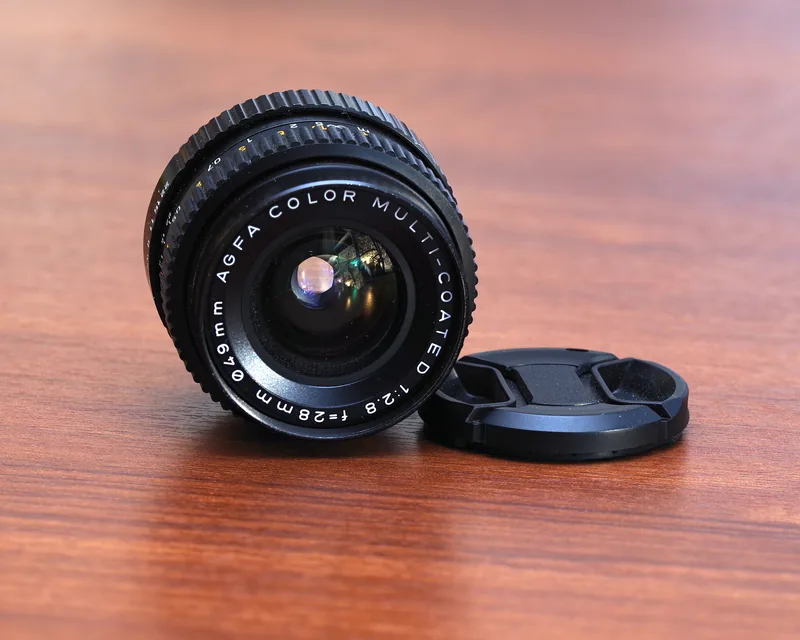 Blurry Photos Indoors? It's Not Your CameraBlurry photos indoors? It's not your camera.Read the guide →
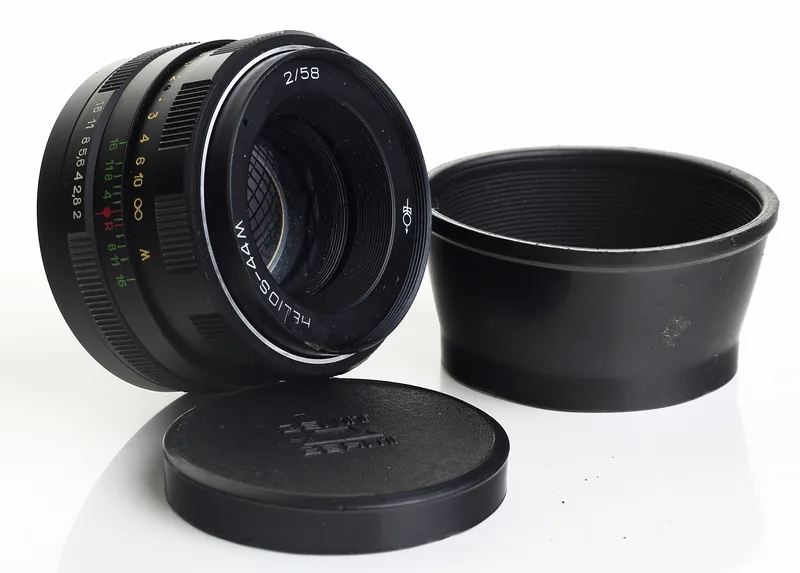 The 3-second test that spots a dodgy used lensBuying a used lens? Shine your phone torch through it. Spidery threads mean fungus. Walk away.…Read the guide →