Some links here are affiliate links. If you buy through them we may earn a small commission at no extra cost to you. As an Amazon Associate we earn from qualifying purchases.
Three free Lightroom alternatives, ranked
 By the Skint Kit crew · How we pick
Don't want to pay for Lightroom? Here are three free editors, ranked for beginners. Number three, Darktable.
It's free, open source and powerful for raw files, but it's on desktop and has a learning curve. Number two, Lightroom mobile.
The free version covers the basic sliders for exposure, colour and cropping, so it's a gentle start if you want the same look as the paid app. Number one, Snapseed.
It's free from Google, quick on a phone, and the selective brush fixes a dull sky in seconds. None of these cost a penny, so start with Snapseed, learn what each slider does, then move on only when you hit a limit.
Follow for more budget editing tips.
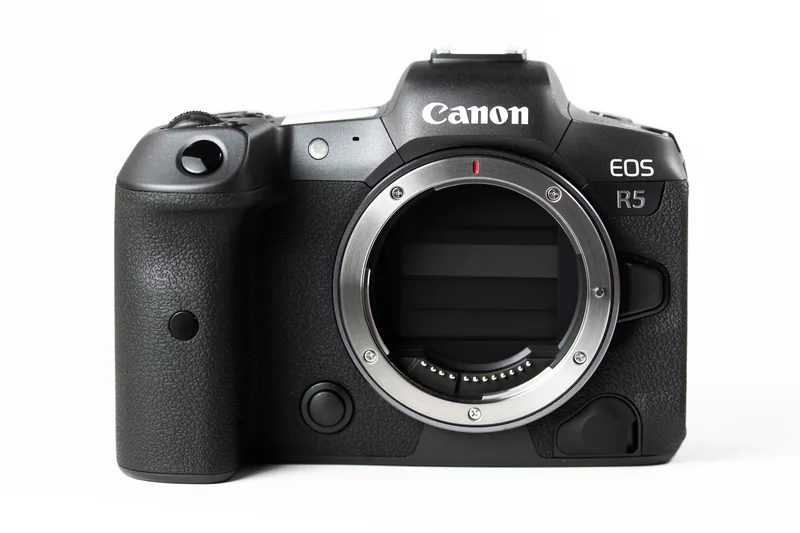
The picks 2 PICKS
FREE · NO SIGN-UP
Buying used? Grab the checklist first
12 quick checks to run before you hand over cash for a second-hand camera or lens. Print it or keep it on your phone.
Get the free used-gear checklist →Download the printable PDF (free) →▶ Subscribe: 2 budget tips a daySkint Kit Lightroom presets →Read next
 The SD card mistake that ruins your videoHere's a mistake that ruins good footage: using any old SD card for video. Cheap, slow cards…Read the guide →
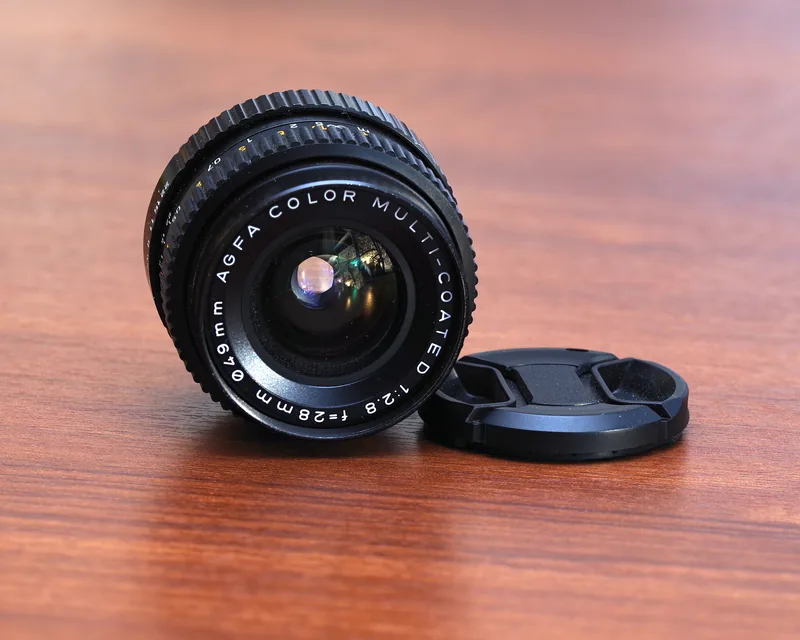 Blurry Photos Indoors? It's Not Your CameraBlurry photos indoors? It's not your camera.Read the guide →
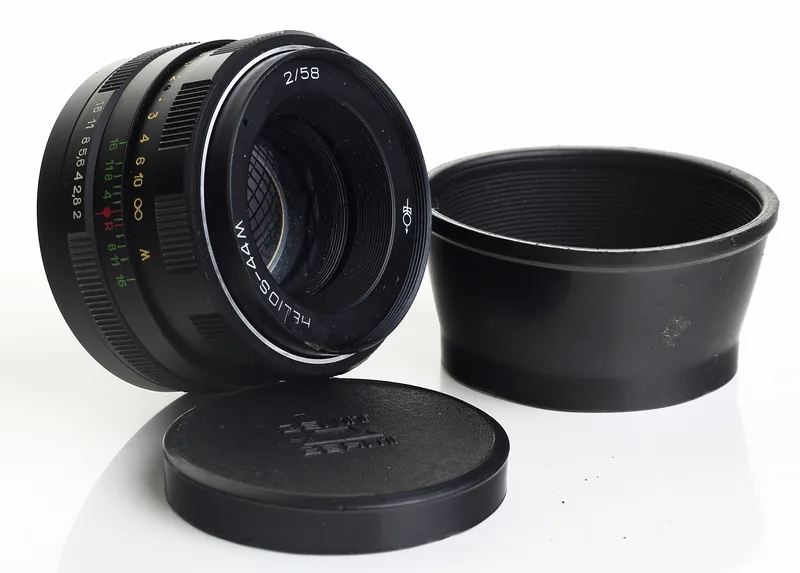 The 3-second test that spots a dodgy used lensBuying a used lens? Shine your phone torch through it. Spidery threads mean fungus. Walk away.…Read the guide →